secondhand
Wireless RF 315/433M Remote Control Unit Compatible with Lighting
This title was generated by AI and may not be fully accurate.
This title was generated by AI and may not be fully accurate.
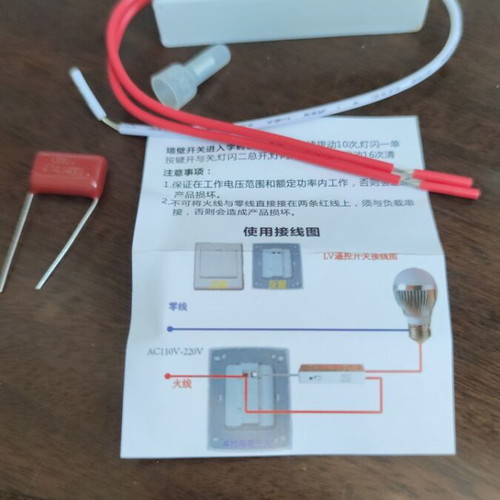 Wireless RF 315/433M Remote Control Unit Compatible with Lighting
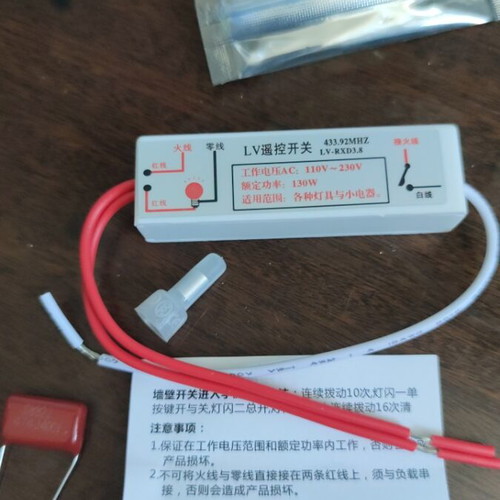 Wireless RF 315/433M Remote Control Unit Compatible with Lighting
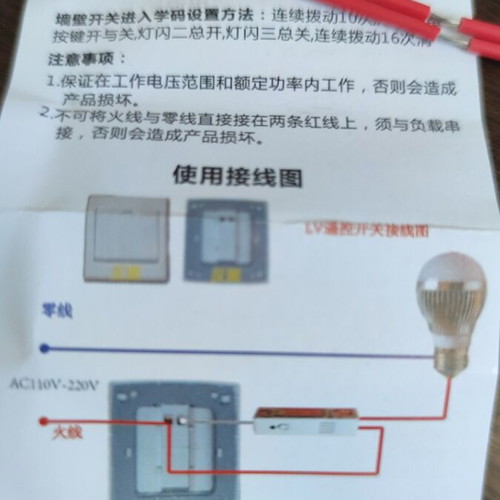 Wireless RF 315/433M Remote Control Unit Compatible with Lighting
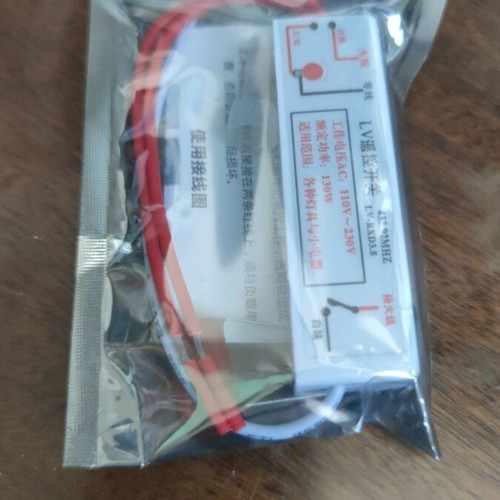 Wireless RF 315/433M Remote Control Unit Compatible with Lighting
+2
New
#smarthome • #energyefficient • #ledlights • #homeautomation • #wirelesscontrol
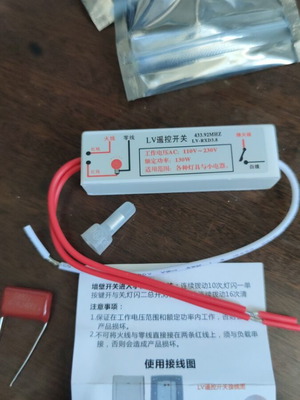
Remote control unit with wireless RF 315/433M receiver of one cable, compatible with lighting fixtures
Wireless remote control switch for radio frequencies
Technical specifications: Operates at AC voltage 110V-230V and supports a maximum power of 130W.
Frequency: The device uses a frequency of 433.92 MHz for communication.
Application: Designed for controlling small devices and lighting. User manual for the Lv wireless remote control switch
Product models: LV-RXD3.8/LV-RXD4.1/LV-RXC2
Operating voltage: AC110V~AC230V
Rated power: LV-RXD3.8 (resistive load) 150W (inductive load) 130W
Standby power consumption: LV-RXD3.8 (0.006W)
Receiving frequency: 315MHz or 433.92MHz
Remote control distance: 20 meters indoors (can be equipped with remote control with a range from 20 to 1000 meters)
Ambient temperature: -20°C to +55°C
Dimensions: LV-RXD3.8, Length 62mm, Width 15mm, Height 18mm
Learning code adjustment method LV-RXD3.8:
Each low-voltage remote switch (LV) can record up to 23 sets of remote control button codes. When attempting to record a code for the 24th time, it will fail. In this case, codes must be deleted before re-entry is possible. Duplicate codes will replace the original settings.
Learning button code setting method: When the indicator light is off, press and hold for 3 seconds to enter the code learning mode. A flash of the indicator light indicates a single button press for on/off, two flashes indicate all lights are on, and three flashes indicate all lights are off. After entering the code learning mode, change functions using the code learning button. Switching the wall switch will restore the normal on/off operation of the lighting.
Timer setting: Press and hold for 3 seconds to select the desired timer duration: one flash for 30 seconds, two flashes for 1 minute, three flashes for 3 minutes, four flashes for 6 minutes, five flashes for 12 minutes, six flashes for 30 minutes, and seven flashes for 1 hour. Use the buttons to select the timer duration. If the wall switch is on during this period, the wall switch will be set accordingly.
Corresponding timer function. Setting the repeating timer code and sensor timer of LV: Press and hold for 3 seconds, release, then press and hold again for 7 seconds.
Release the switch when the indicator light remains continuously on. The sequence of flashes is as follows: one flash for 30 seconds, two flashes for 1 minute, three flashes for 3 minutes, four flashes for 6 minutes, five flashes for 12 minutes, six flashes for 30 minutes, and seven flashes for 1 hour. If the wall switch is on during this time, the corresponding timer function has been set.
€ 8,00
New


FREE Buyer protection
We guarantee that you will receive the item or your money back. Learn more


Buy more, pay less 🛍️
Select more items from the same seller. Negotiate a better price, save on postage.